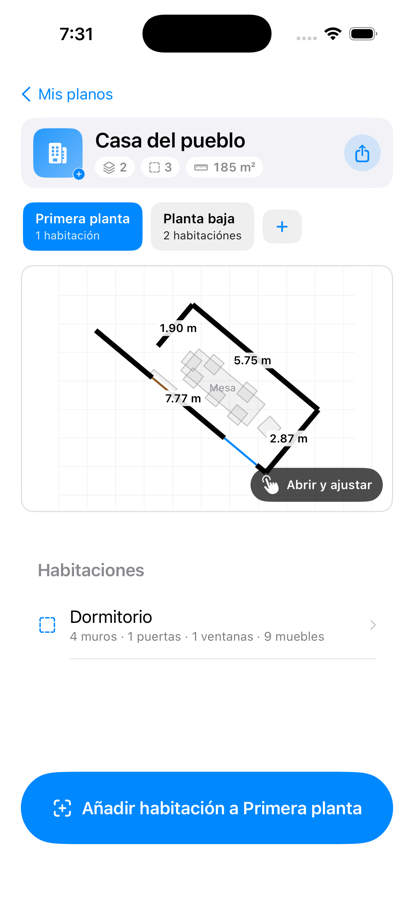
One minute per room, a top-down plan measured to the centimeter, multi-floor and shareable. All local, one-time payment, no subscription.

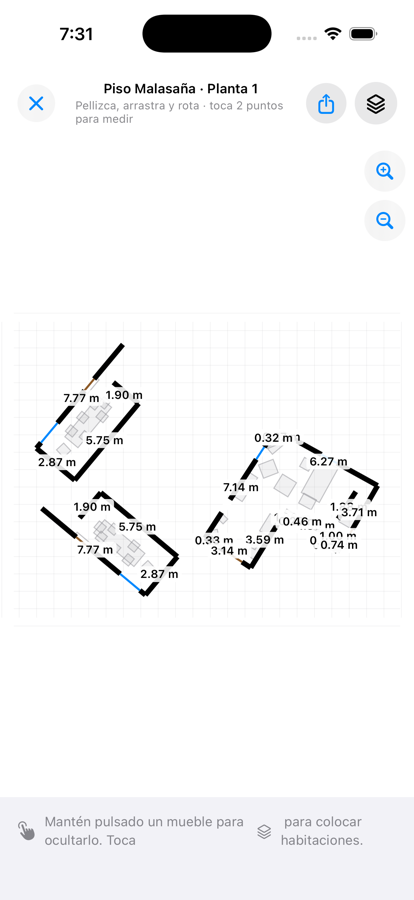
With the iPhone Pro's LiDAR, RoomMap draws your entire room — walls, doors, windows and furniture — with ±5-10 cm precision.
During the scan you see the timer and rotating hints so you know where to look. No menus, no settings. Turn it on, point, move.
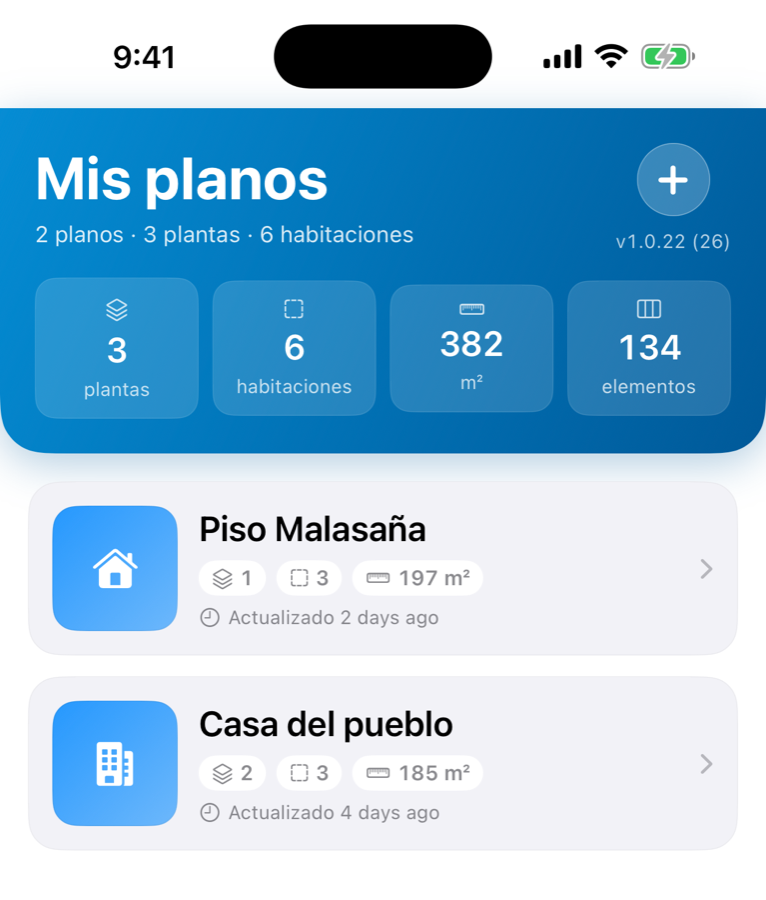
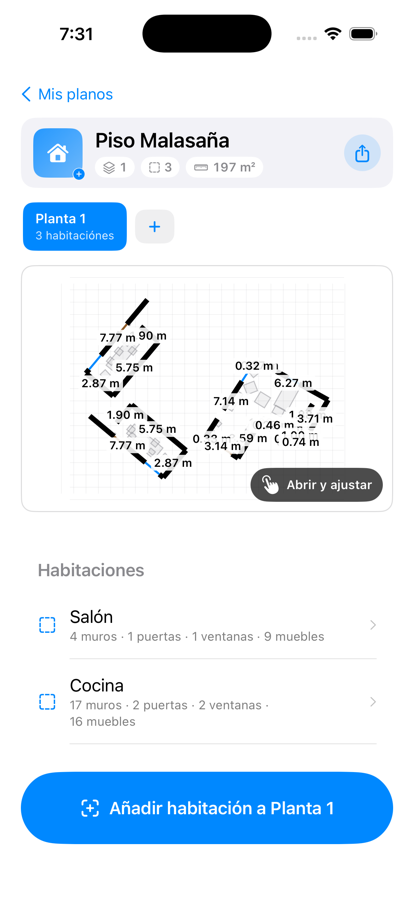
Save all your homes — each with its floors: basement, ground floor, first, attic. Rooms named inside (living, kitchen, bedroom).
They live on your iPhone and survive closing the app. No account, no cloud upload.

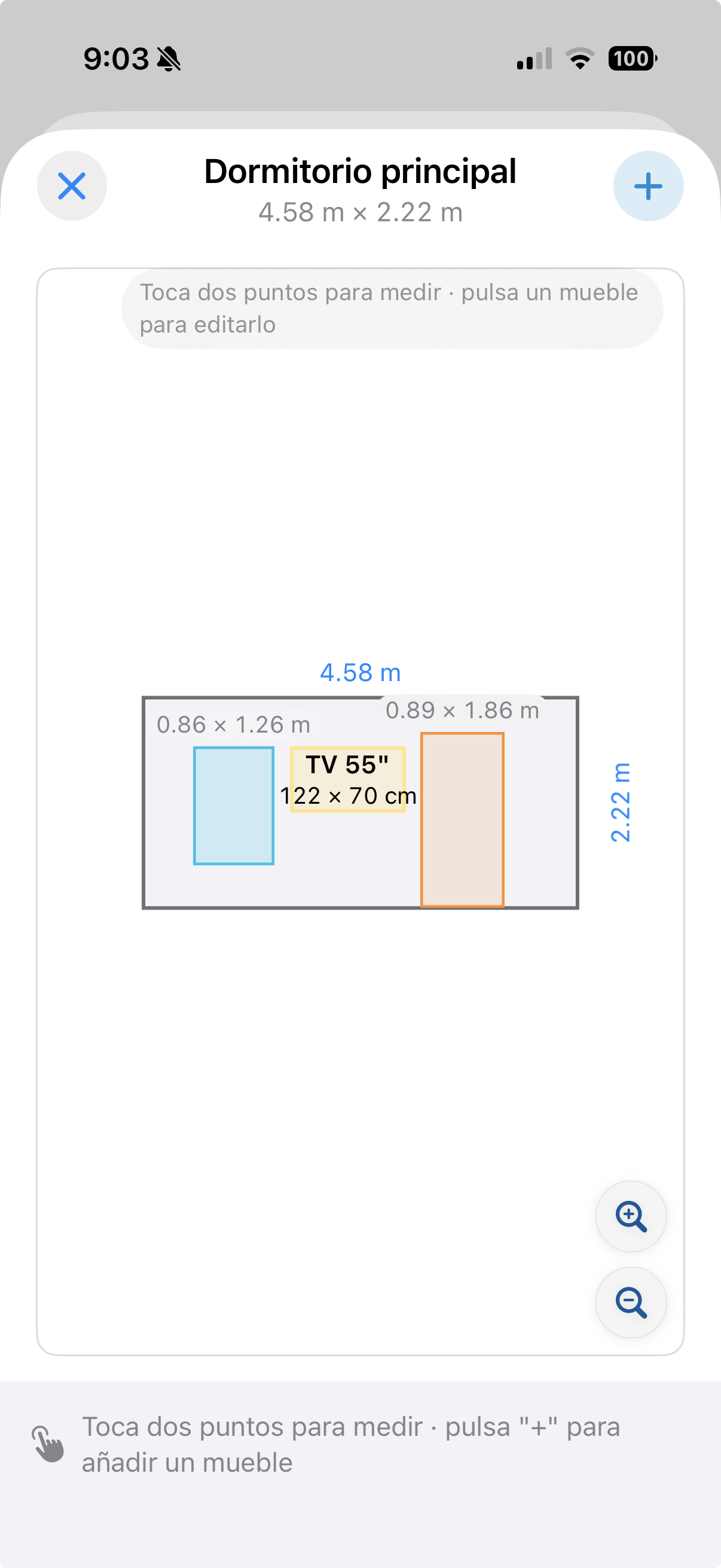
Tap a wall on the plan and you see it head-on, at real scale. Its doors and windows are exactly where they should be. Drop paintings, mirrors, shelves or a TV as orange ghosts, drag them around, and the live dimensions tell you if they fit.
Long walls stitch back together even when the scanner split them into pieces. Pinch to zoom in on the detail.

Scanner caught several rooms as one: auto-detect the divisions, or hand-draw the dividing walls and each room shows up tinted, ready to be named.
One came out half-baked: Refine reopens the scanner in the same coordinate frame — the new pass merges with the old scan instead of replacing it.
A railing came out as a wall: long-press and mark it as railing, or hide it. Every action is reversible with a single tap.

No account, no password, no cloud upload. Your scan lives on your iPhone. What you share, you share yourself, when you want, with whoever you choose.
You can use RoomMap on a plane, in the family home off-grid, on a job site. No analytics, no trackers, no third-party SDKs.
It works on iPhone Pro and Pro Max (from iPhone 12 Pro on) and iPad Pro (from 2020). You need iOS 17 or later. On an iPhone without LiDAR you'll see a screen telling you and nothing is charged.
One-time payment. Restore your purchase on any iPhone with your Apple ID.